%201.avif)
How to Save Energy with Thermostat: 3 Simple Steps
Discover the best thermostat settings for summer energy savings with 3 simple steps to cut cooling costs and stay comfortable in North Texas.

.svg)
.svg)
.svg)
Why the Best Thermostat Settings for Summer Energy Savings Matter in Dallas-Fort Worth
Finding the best thermostat settings for summer energy savings can make a real difference on your monthly electric bill — especially in the Dallas-Fort Worth area, where summer heat is relentless and cooling costs can account for nearly half of your home's total energy use.
Here is a quick-reference guide to optimal summer thermostat settings:
| Situation | Recommended Setting |
|---|---|
| Home and awake | 78°F |
| Sleeping | 76-78°F |
| Away for the day | 85°F |
| Extended absence (3+ days) | 85°F (do not exceed 90°F) |
| Infants in the home | 68-72°F |
| Pets in the home | 75-78°F |
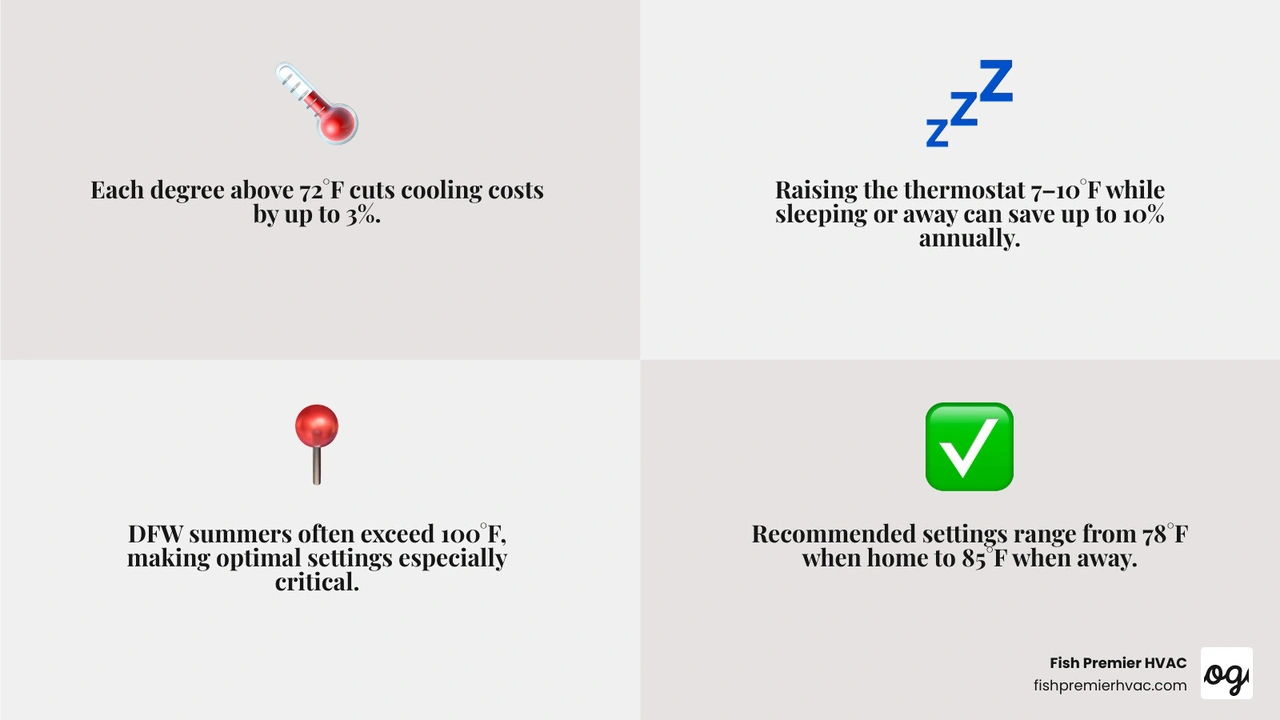
Each degree you raise your thermostat above 72°F can cut your cooling costs by up to 3%. And according to the U.S. Department of Energy, simply adjusting your thermostat 7-10°F for eight hours a day — while you sleep or are away — can save as much as 10% on your annual heating and cooling bill.
For DFW homeowners, that is not a small number. North Texas summers routinely push outdoor temperatures past 100°F, meaning your system works harder and longer than in most parts of the country. Getting your settings right is one of the highest-return things you can do for your home comfort and your wallet.
In this guide, Fish Premier HVAC walks you through three straightforward steps to optimize your thermostat settings, automate your climate control, and support your system with the right habits — so you stay cool all summer without overpaying.
For more on how the DFW climate affects your HVAC system year-round, see our North Texas Climate HVAC Guide 2026.
Step 1: Establish the Best Thermostat Settings for Summer Energy Savings
Many homeowners operate under the assumption that keeping their home at a constant, chilly temperature like 71°F is the most efficient way to run an air conditioner. In reality, the physics of heat transfer dictate the exact opposite.
Heat naturally flows from warmer spaces to cooler spaces. The larger the temperature difference between the blazing North Texas outdoors and the interior of your home, the faster heat will seep through your walls, windows, and doors. By maintaining a slightly higher indoor temperature, you slow down this rate of heat gain, meaning your air conditioner does not have to work nearly as hard to keep the home comfortable.
According to the U.S. Department of Energy, the gold standard for balancing comfort and energy efficiency is setting your thermostat to 78°F (26°C) when you are home and active.
If you are accustomed to keeping your home much cooler, shifting immediately to 78°F can feel like a drastic change. We recommend adjusting your thermostat upward by just one or two degrees at a time. This allows your body to naturally acclimate to the warmer baseline. Once you adjust, you will find that 78°F, when combined with proper airflow and humidity control, is remarkably comfortable.
Understanding how your equipment handles these settings is also critical. An older, low-efficiency air conditioner will consume significantly more power trying to maintain even moderate temperatures compared to a modern, high-efficiency system. To see how your cooling system's efficiency rating directly impacts your monthly utility expenses, read our detailed guide on how an AC SEER Rating Costing You Money.
How to Program the Best Thermostat Settings for Summer Energy Savings When Sleeping or Away
To maximize your savings, your thermostat should never remain at a single static temperature all day. Instead, you should implement strategic temperature setbacks.
The U.S. Department of Energy highlights that you can save up to 10% a year on heating and cooling by simply turning your thermostat back 7-10°F from its normal setting for 8 hours a day. In the HVAC industry, we often refer to this as the "8 is Great" rule: adjusting your indoor climate by 8°F for at least 8 hours daily to secure double-digit percentage savings.
- When You Are Away: When the house is empty for four or more hours, raise the thermostat to 85°F. Keeping the air conditioner running at 72°F in an empty home is a massive waste of electricity. Setting the system to 85°F keeps the home safe from extreme heat buildup while drastically reducing system runtime during the hottest hours of the day.
- When You Are Sleeping: For nighttime comfort, a setting of 76°F to 78°F is highly recommended. Because your body temperature naturally drops while you sleep, and outdoor temperatures fall after sunset, you can remain perfectly comfortable at a slightly higher setting—especially when utilizing breathable cotton bedding and a bedside or ceiling fan.
Implementing these daily transitions ensures your system only runs at peak capacity when you actually need it. For a deeper look at managing these temperature shifts specifically within the unique climate of the Lone Star State, read our article on the Best Thermostat Settings for Energy Savings in Texas.
Special Considerations for Infants, Pets, and Remote Workers
While energy conservation is a primary goal, safety and health must always come first. A universal 78°F setting may not be appropriate for every household dynamic.
- Infants and Newborns: Because infants under 11 weeks of age cannot regulate their body temperature as effectively as older children and adults, pediatric experts recommend keeping their nursery between 68°F and 72°F. If you have an infant in the home, prioritize their safety over maximum energy savings. You can use zoned climate control to keep the nursery cool while allowing the rest of the home to remain at a more energy-efficient temperature.
- Pets: Most domestic dogs and cats are perfectly comfortable when the thermostat is set between 75°F and 78°F. However, if you have elderly pets, flat-faced breeds prone to respiratory issues (like Pugs or Persian cats), or animals with exceptionally thick coats, you may need to keep the home slightly cooler. Always provide access to plenty of fresh, cold water and a cool, uncarpeted floor to lie on.
- Remote Workers: If you work from home, you cannot rely on the "away" setback during the day. To keep your home office comfortable without sending your electric bill into the stratosphere, try keeping the main thermostat at 78°F and using localized cooling. Running a small desk fan or installing a ductless mini-split system in your office allows you to stay focused and cool in your immediate workspace without wasting energy cooling unoccupied guest rooms and common areas.
Step 2: Automate Your Climate Control with Smart Technology
Manually adjusting your thermostat multiple times a day is not only inconvenient; it is also highly inefficient. Homeowners frequently forget to raise the temperature before leaving for work, or they overcompensate by setting the system to an incredibly cold temperature when they return, which wastes energy.
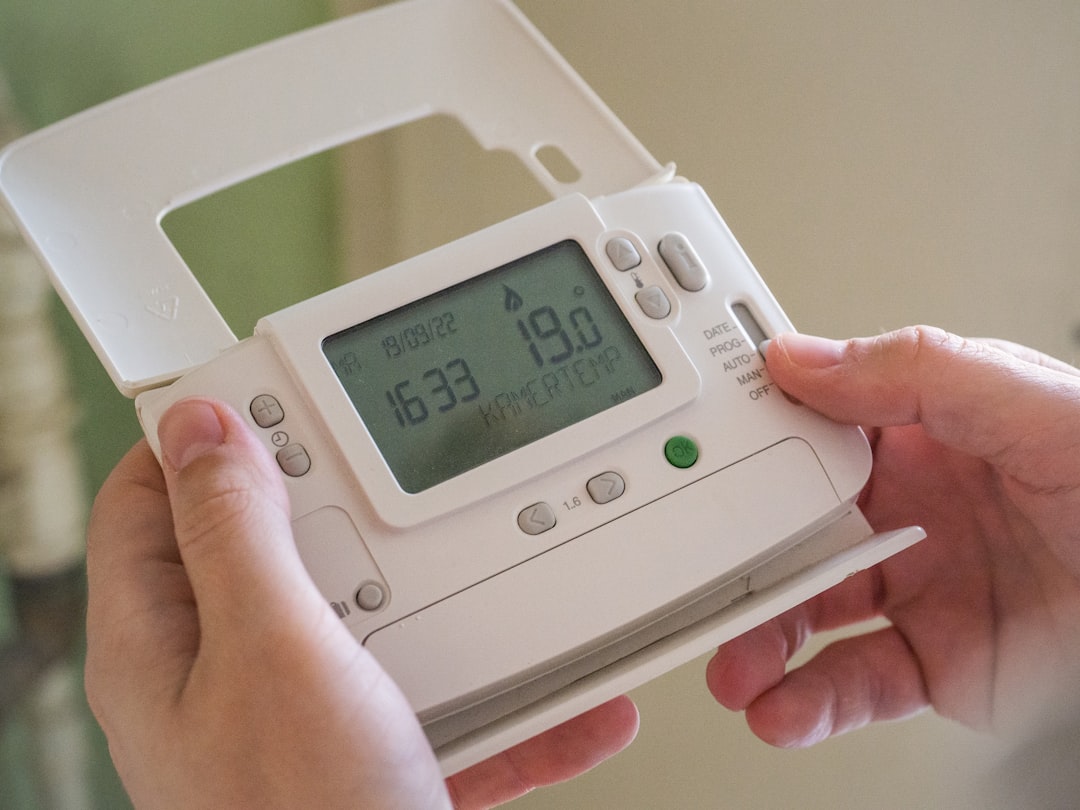
The ultimate tool for eliminating human error and maximizing efficiency is a smart or programmable thermostat.
While basic programmable thermostats allow you to set schedules based on time of day, modern smart thermostats take automation to an entirely new level. These advanced devices utilize Wi-Fi connectivity, machine learning, and advanced sensors to optimize your home's thermodynamic performance in real-time.
A high-quality smart thermostat will analyze your daily routines, monitor local weather conditions, and even understand how quickly your specific home heats up and cools down. It then uses this data to craft a highly customized, ultra-efficient cooling schedule. To understand the true financial return on investment of these devices, explore our comprehensive analysis: Do Smart Thermostats Really Save Money.
Why Smart Automation Outperforms Manual Adjustments
Smart thermostats are certified by the EPA's Energy Star program to deliver an average of 8% savings on annual heating and cooling costs. This translates to direct, measurable savings on your monthly DFW utility bills.
Some of the key features that make smart automation so effective include:
- Geofencing: This technology creates a virtual perimeter around your home using your smartphone's GPS. When you cross the boundary to leave for work or run errands, the thermostat automatically shifts into "Away" mode, raising the temperature to save energy. As you head back home, the system detects your approach and begins cooling the house so it is perfectly comfortable the moment you walk through the door.
- Adaptive Recovery: Rather than starting to cool your home at the exact minute your schedule changes, smart thermostats use adaptive recovery to calculate exactly how long it takes to drop the temperature. If you return home at 5:00 PM and prefer a comfortable 78°F, the system might start cooling at 4:15 PM based on the current outdoor heat, ensuring comfort is reached efficiently without unnecessary runtime.
- Occupancy Sensors: If your schedule is unpredictable, smart thermostats utilize physical sensors in high-traffic rooms to detect movement. If no motion is detected for a set period, the system assumes the home is empty and adjusts to an energy-saving setback temperature.
- System Diagnostics and Alerts: Beyond temperature control, smart thermostats monitor your HVAC system's health. They can alert you when it is time to change your air filter or if your AC is running longer than usual to reach a setpoint, which often indicates an underlying mechanical issue.
To explore how these digital upgrades integrate with your heating and cooling equipment to elevate your home comfort, check out our guide on How Smart Home Technology Improves HVAC Performance.
Step 3: Optimize Your Home Environment and HVAC System
Even the most advanced thermostat cannot save energy if it is poorly placed or if your air conditioning system is struggling due to neglect.
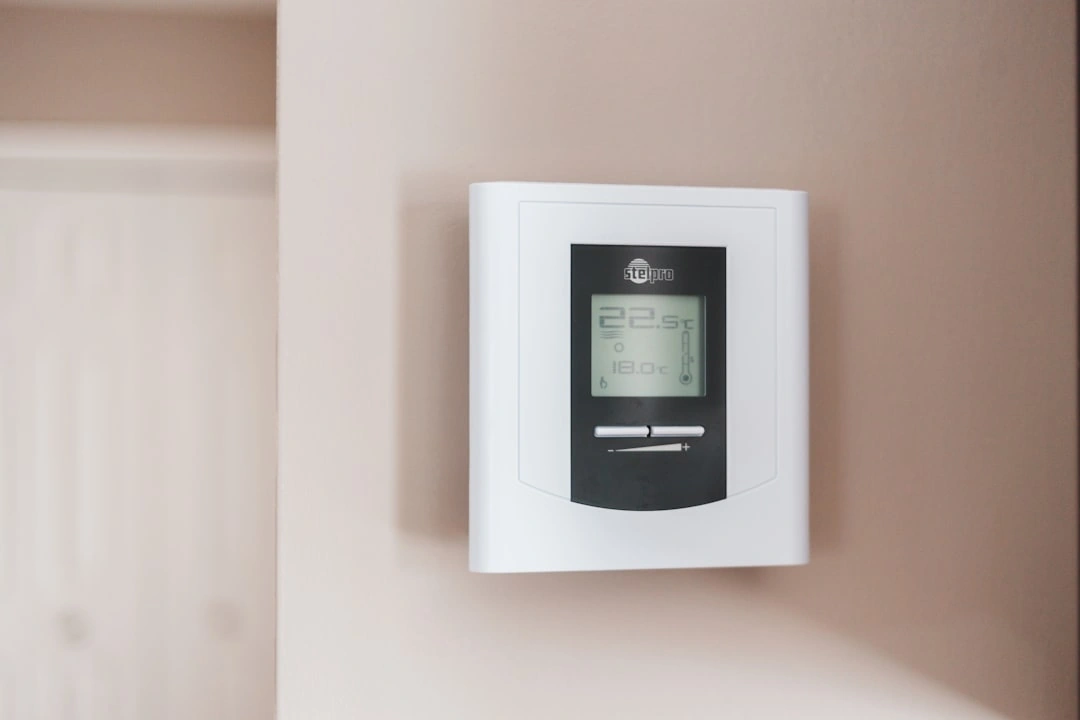
Thermostat placement plays a massive role in how efficiently your home is cooled. If your thermostat is installed on an exterior wall, in direct sunlight, or near drafts from windows, doors, or supply registers, it will read an inaccurate temperature.
For example, if direct afternoon sunlight hits your thermostat, it will register the indoor temperature as much warmer than it actually is. This causes your air conditioner to cycle on and run continuously, overcooling the rest of your home and wasting a massive amount of electricity.
To ensure accurate readings, your thermostat should always be installed on a centrally located interior wall, away from direct sunlight, drafts, and high-heat appliances.
Equally important is the physical state of your cooling system. A dirty, unmaintained air conditioner can consume 5% to 15% more energy than a clean, well-tuned unit. To protect your investment and keep your system running at peak performance, read about the Benefits of Regular AC Maintenance in Texas and discover practical tips on How to Extend the Life of Your AC in Texas.
Managing Humidity and Airflow for Perceived Comfort
In North Texas, temperature is only one part of the comfort equation. Relative humidity plays an equally significant role in how hot or cold you feel.
When humidity levels are high, your body cannot evaporate sweat effectively, which is our natural mechanism for staying cool. This leaves you feeling sticky and warm, even if the thermostat reads a reasonable 78°F. To maximize your comfort at higher thermostat settings, aim to keep your indoor relative humidity below 60%, with an ideal target of 40% to 45%.
- Use the "AUTO" Fan Setting, Not "ON": Your thermostat's fan setting should always be set to AUTO during the summer. When set to ON, the blower fan runs continuously, even when the AC compressor is off. This blows the moisture that was just condensed on your cooling coils right back into your home, sky-rocketing the indoor humidity. The AUTO setting ensures the fan only runs during a cooling cycle, allowing condensed moisture to drain safely outdoors.
- Harness the Wind Chill Effect with Ceiling Fans: Running a ceiling fan is one of the easiest ways to feel cooler without lowering the thermostat. Set your ceiling fan blades to rotate counterclockwise in the summer to push a column of cool air straight down. This creates a wind chill effect on your skin, making the room feel up to 4 to 8 degrees cooler than the actual air temperature.
- Remember: Fans Cool People, Not Rooms: Ceiling fans do not actually lower the temperature of the air; they only cool your body through evaporation. Always turn ceiling fans off when you leave a room to avoid wasting electricity.
Complementary Habits to Support the Best Thermostat Settings for Summer Energy Savings
To help your air conditioner maintain your desired temperature with minimal effort, implement these simple, low-cost habits to reduce your home's thermal load:
- Manage Your Window Treatments: Solar heat gain through windows can account for up to 30% of your home's cooling load. Keep your blinds, shades, or draperies closed during the day—especially on south- and west-facing windows that receive direct afternoon sunlight. Utilizing high-quality blackout curtains or applying low-E window film can drastically reduce the amount of solar heat entering your home.
- Time Your Appliance Use Strategically: Large household appliances like ovens, stoves, dishwashers, and clothes dryers generate a tremendous amount of internal heat and moisture, sometimes raising the surrounding indoor temperature by up to 10°F. Avoid running these appliances during the hottest parts of the day (typically between 2:00 PM and 7:00 PM). Instead, cook outdoors on a grill, use a microwave, and run your dishwasher or dryer late in the evening or early in the morning.
- Keep Air Vents Open and Clear: It is a common myth that closing supply vents in unused rooms saves energy. In modern HVAC systems, closing vents disrupts the balanced airflow, increasing pressure in your ductwork and forcing your system to work harder, which can lead to frozen coils or blower motor failure. Keep all interior doors and supply registers open to ensure proper air circulation.
To ensure your system remains resilient against the harsh summer heat, consider enrolling in a preventative care program. Learn how proactive service keeps your system efficient by reading How a Maintenance Plan Extends AC Life in Texas.
Frequently Asked Questions About Summer Cooling
Optimizing your home's cooling efficiency often comes with a few questions. Here are the answers to some of the most common questions homeowners ask about summer energy conservation.
Should I turn my AC off completely when I leave the house?
No, you should never turn your air conditioning system completely off when leaving for work or daily errands.
When you turn the system off, your home's walls, furniture, flooring, and air soak up heat and humidity all day—a process known as "heat-soaking." When you return home and turn the AC back on, the system has to run at maximum capacity for several hours not just to cool the air, but to extract all the stored heat from your home's physical structure. This places immense strain on your equipment and consumes more energy than maintaining a moderate temperature.
Furthermore, in humid climates, turning the AC completely off allows indoor humidity levels to spike, which can lead to mold growth and indoor air quality issues. Instead, utilize an away setting of 85°F, which keeps the home safe and dry while minimizing energy consumption.
Does lowering the thermostat to a very cold temperature cool the house faster?
No. This is one of the most common misconceptions in home comfort.
Standard air conditioning systems operate at a single speed. They deliver the exact same rate of cool air whether you lower the thermostat by two degrees or twenty degrees. Setting your thermostat to 65°F when you want the room to be 72°F will not cool the house a single minute faster. It will only cause your system to run longer, overshoot your actual comfort zone, and waste a significant amount of electricity.
Are there exceptions to these settings for homes with heat pumps?
Yes. While the cooling recommendations (78°F when home, 85°F when away) apply perfectly to heat pumps in the summer, you must handle temperature setbacks differently during the heating season.
In cooling mode, a heat pump operates just like a standard air conditioner, and raising the temperature when you are away is highly efficient. However, in the winter, making large manual temperature adjustments on a heat pump can cause the system to activate its highly inefficient electric resistance backup heat to recover quickly. If your home utilizes a heat pump, always consult with a professional to ensure your smart thermostat is programmed correctly to prevent auxiliary heat from running unnecessarily.
Conclusion
Finding the best thermostat settings for summer energy savings does not mean you have to sacrifice your family's comfort. By establishing a comfortable 78°F baseline, automating your schedule with a smart thermostat, and supporting your system with smart household habits, you can keep your home cool and your energy bills low all summer long.
At Fish Premier HVAC, we believe in delivering "Whole Home Luxury" and "Expert HVAC Service For Whole Home Comfort." Serving affluent homeowners in Keller TX, Westlake TX, Colleyville TX, and Southlake TX, we provide concierge-level service that prioritizes premium quality, comfort, and innovation.
Whether you need to upgrade to a high-efficiency HVAC system, install advanced air scrubbers for pristine indoor air, set up a backup generator, or integrate luxury home scenting solutions, our highly trained team is ready to deliver an exceptional, premium experience.
We are proud to serve the Dallas-Fort Worth area from our Fort Worth, TX location under Texas License #TACLB99535E. Our standard business hours are Monday through Friday from 8:00 AM to 6:00 PM, and we are always available for after-hours emergency services to ensure your home remains a comfortable sanctuary.
Ready to experience the ultimate in home comfort and efficiency? Schedule Premium AC Services with Fish Premier HVAC today.